
Workflow Applications

Ready to Make Workflows Faster

Connect Workflows. Empower Teams.​

In today’s workplace, every extra step slows you down. Sharp Workflow Applications transform your multifunction printer into a secure, connected hub automating document capture, routing, and access so your team can focus on what matters most. From law firms routing case files, to schools digitizing student records, to businesses managing contracts in the cloud, Sharp OSA® and partner applications make workflows faster, smarter, and more reliable.

Key Features of Sharp Workflow Applications

documents showing workflow
Document Workflow & Content Management
  • Scan-to-cloud with Microsoft® OneDrive, SharePoint, Google Drive, Dropbox.
  • Route documents directly to email, folders, or databases.
  • Add OCR for searchable, compliant digital archives.
papercut logo
Print Management Integration
  • Compatible with PaperCut and authentication tools for access control.
  • Track and manage print, copy, and scan activity centrally.
bring your own device
Mobile & BYOD Support
  • Print or scan seamlessly with AirPrint, Sharpdesk Mobile, and PaperCut mobility apps.
  • Empower hybrid workers to stay productive without being tied to the office.
valid icon showing it's a safe and certified
Certifications & Compatibility
  • Supports Microsoft Universal Print, SAP, Citrix, and Healthcare EHR/EMR apps.
  • WHQL-certified print drivers for IT confidence.

Work At The Speed of Ideas​

Work should move at the speed of ideas, not the pace of paperwork. Sharp Workflow Applications cut the manual steps that bog down business, replacing chaos with clarity. Every scan, every print, every record becomes part of a connected, secure process — so your team can focus on people, ideas, and growth.
females collaborating with a desktop printer near by
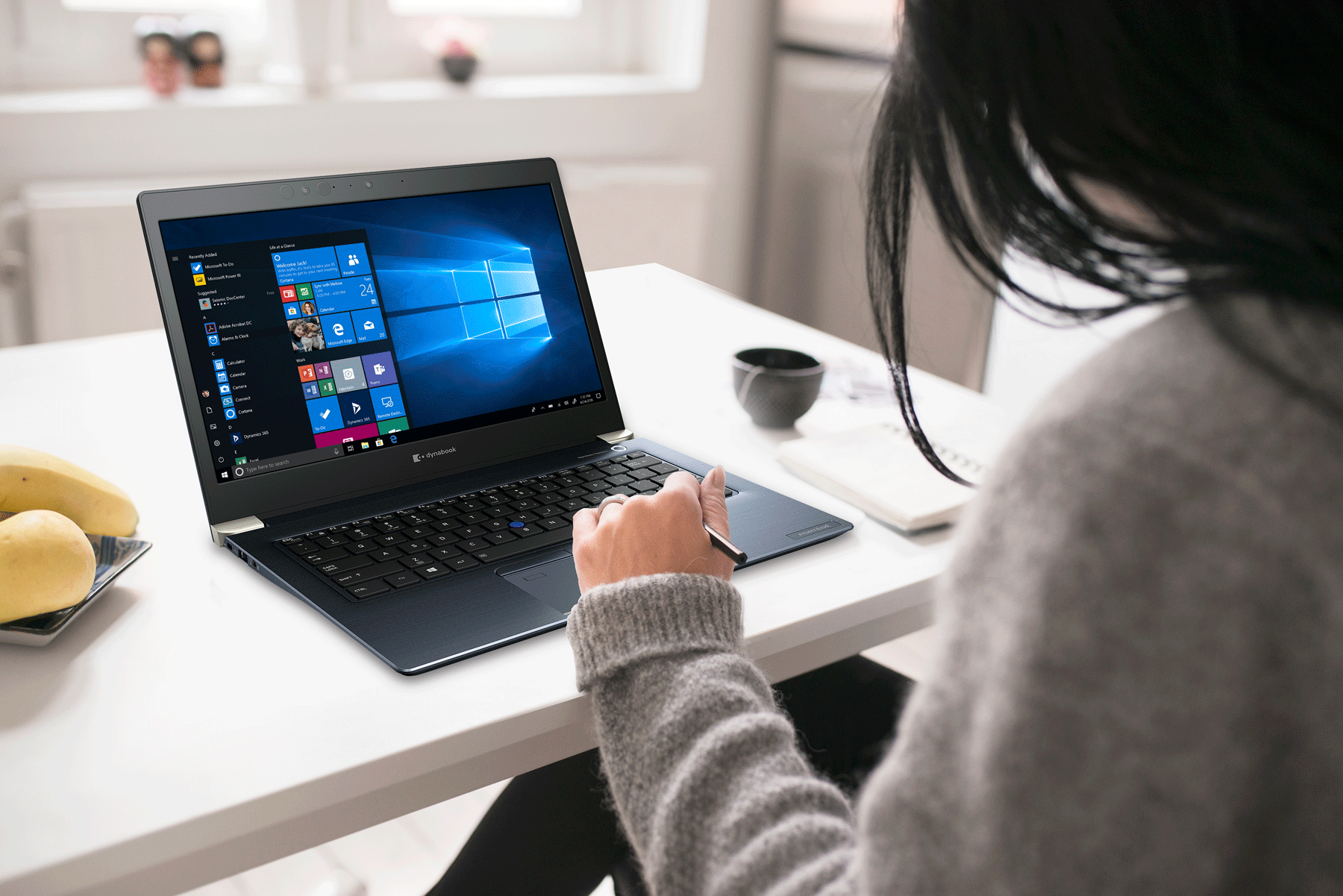
female on a laptop at her desk

Frequently Asked Questions

Sharp OSA® (Open Systems Architecture) connects Sharp MFPs with your existing business applications, allowing customized workflows that save time and improve security.

They eliminate manual steps like scanning to desktop and uploading. Documents go directly into secure systems, saving time and reducing errors.

Yes. They connect with Microsoft® OneDrive, SharePoint, Dropbox, Google Drive, and more — supporting hybrid and remote work.

Yes. Sharp solutions use authentication, encryption, and audit trails, with optional Common Criteria–validated Data Security Kits for sensitive industries.

Law firms, schools, healthcare, finance, and any organization managing high volumes of documents that need to be secure, accessible, and compliant.

woman in office with a desktop and mfp

Ready to make workflows faster, smarter, and more secure?

This site is registered on wpml.org as a development site. Switch to a production site key to remove this banner.