

Print Management & Access Control
Control, Confidence, and Cost Savings
Printing doesn’t just happen at the push of a button. It needs to be tracked, secured, and optimized. Sharp Print Management & Access Control solutions give IT leaders and office managers the tools to monitor usage, authenticate users, and cut costs, while keeping sensitive documents protected.
Whether it’s a school reducing waste, a government office enforcing compliance, or a business safeguarding client files, Sharp ensures every page is secure, accountable, and efficient.
In today’s fast-moving workplace, productivity is defined by how well your technology works together. Sharp Workflow Solutions & Services transform everyday printing, scanning, and managing into a seamless experience. From digitizing records to managing print fleets or enabling mobile productivity, Sharp gives businesses the tools to save time, cut costs, and stay secure.
Key Features of Sharp Print Management & Access Control

PaperCut Integration
- Track and control all print, copy, and scan activity from a centralized console
- Enforce print quotas and rules to reduce waste and costs
- Generate detailed reports for auditing and budget visibility
User Authentication
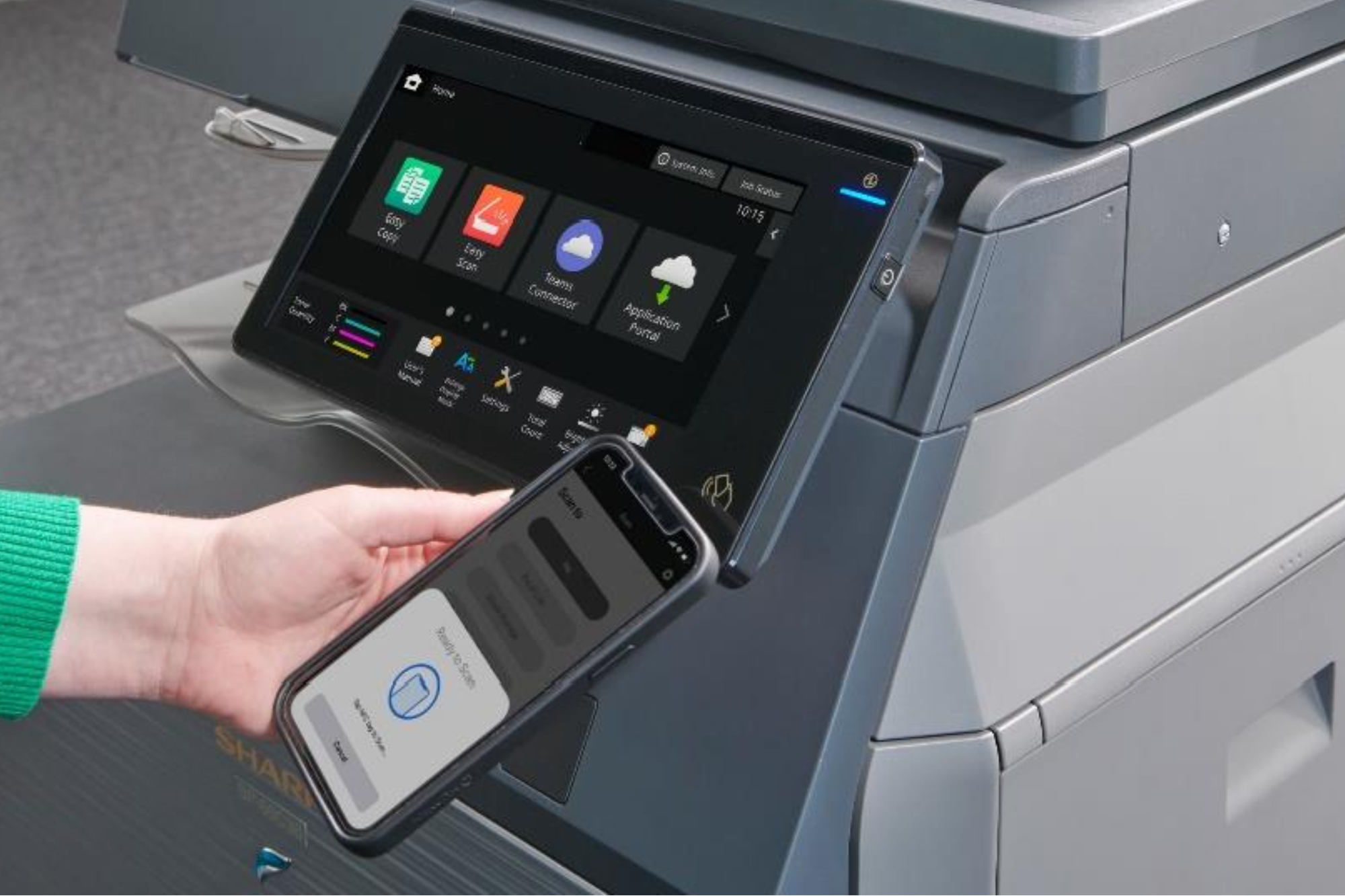
- Walk-up authentication via ID badge, PIN, or network login
- Active Directory integration makes printers trusted devices with secure login, SSO, and seamless access
- Prevents unauthorized users from accessing devices or sensitive data
- Ensures documents are only released to the right person

Secure Print Release
- Print jobs are held until the authorized user releases them at the device
- Reduces abandoned printouts and protects confidential documents

Centralized Management
- Monitor your entire print fleet from one dashboard
- Automate supply alerts and device updates
- Optimize usage across departments and locations

Access & Cost Control
- Set rules by department, project, or user group
- Track costs for client billing or internal chargebacks
- Encourage sustainable practices by defaulting to duplex or B&W

Clarity, Security, and Savings on Every Page

Accessibility & Compliance
Frequently Asked Questions
PaperCut is a print management software that integrates with Sharp MFPs to track, monitor, and control print usage across an organization.
Authentication ensures only authorized users can access devices or release print jobs, protecting sensitive information and reducing risk.
Yes. Features like print quotas, default duplexing, and activity tracking help organizations lower waste and control expenses.
Yes. Users can hold print jobs until they authenticate at the device, preventing abandoned documents from being exposed.
Organizations of all sizes from small offices to enterprises can use print management to improve security, accountability, and sustainability.